
The open-source source of truth for your network
Danbyte models your IP space, hardware, cabling and power in one place, checks it against the live network, and feeds your automation. Self-host it free, or let us run it for you.
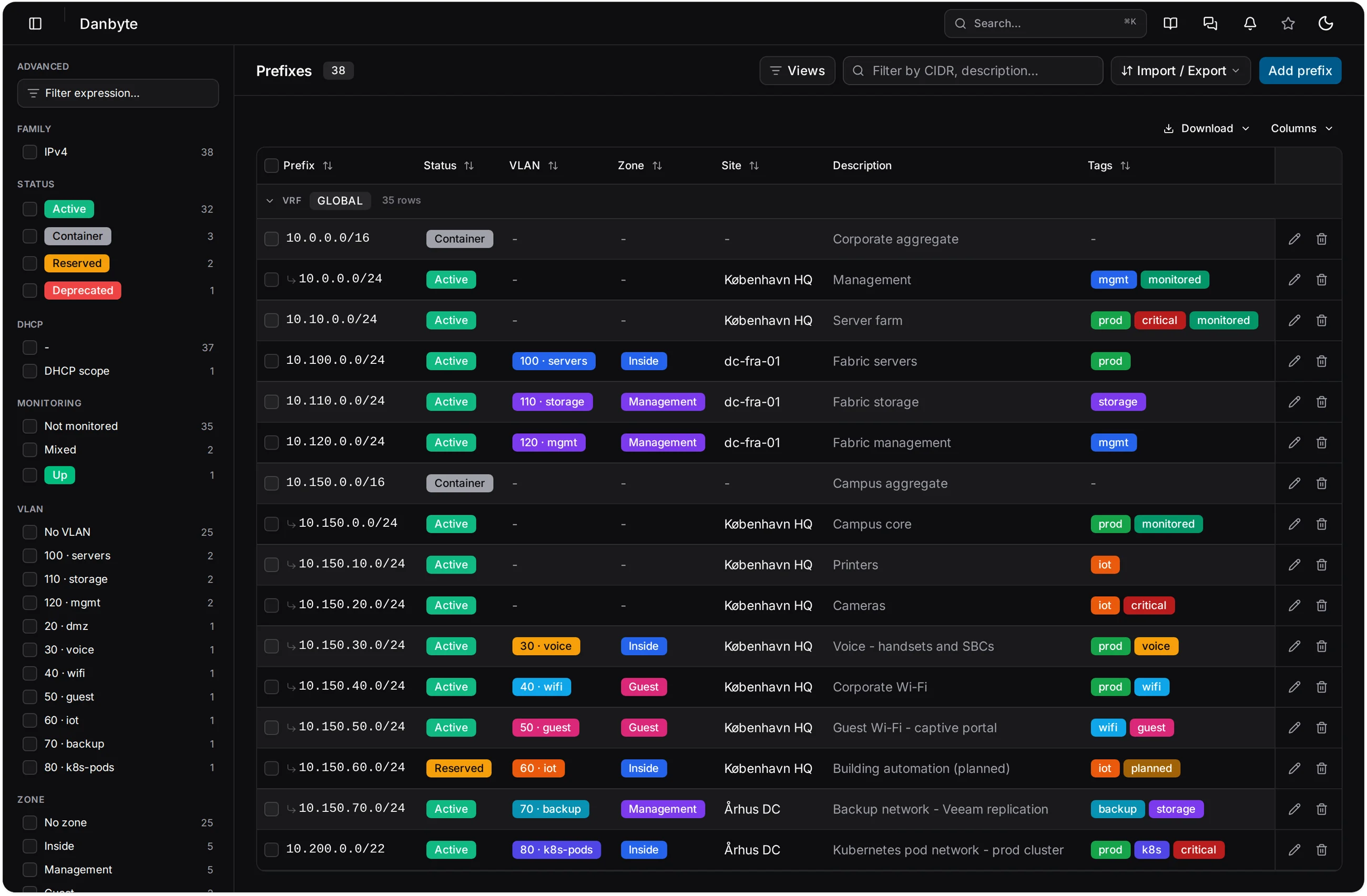
IPAM
- Prefixes nest the way they do on the wire
- Free space and utilisation are computed, never typed
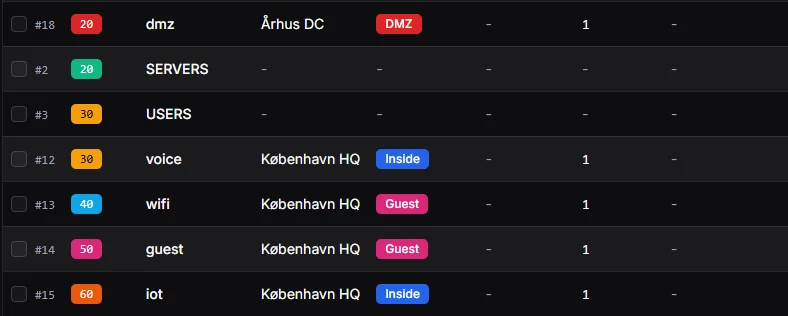
- VLANs, DHCP ranges and DNS in the same tree
- Per VRF, per tenant, per site
- Import what you have, export what you need

Real devices in, your automation out.
Discover what is actually on the network into one honest model, then feed that same model straight to Ansible, Terraform and signed webhooks. No spreadsheet, no drift, no second copy.
- IPAM
- DCIM
- Connectivity
- Discovery
- Custom fields
- Tags and references

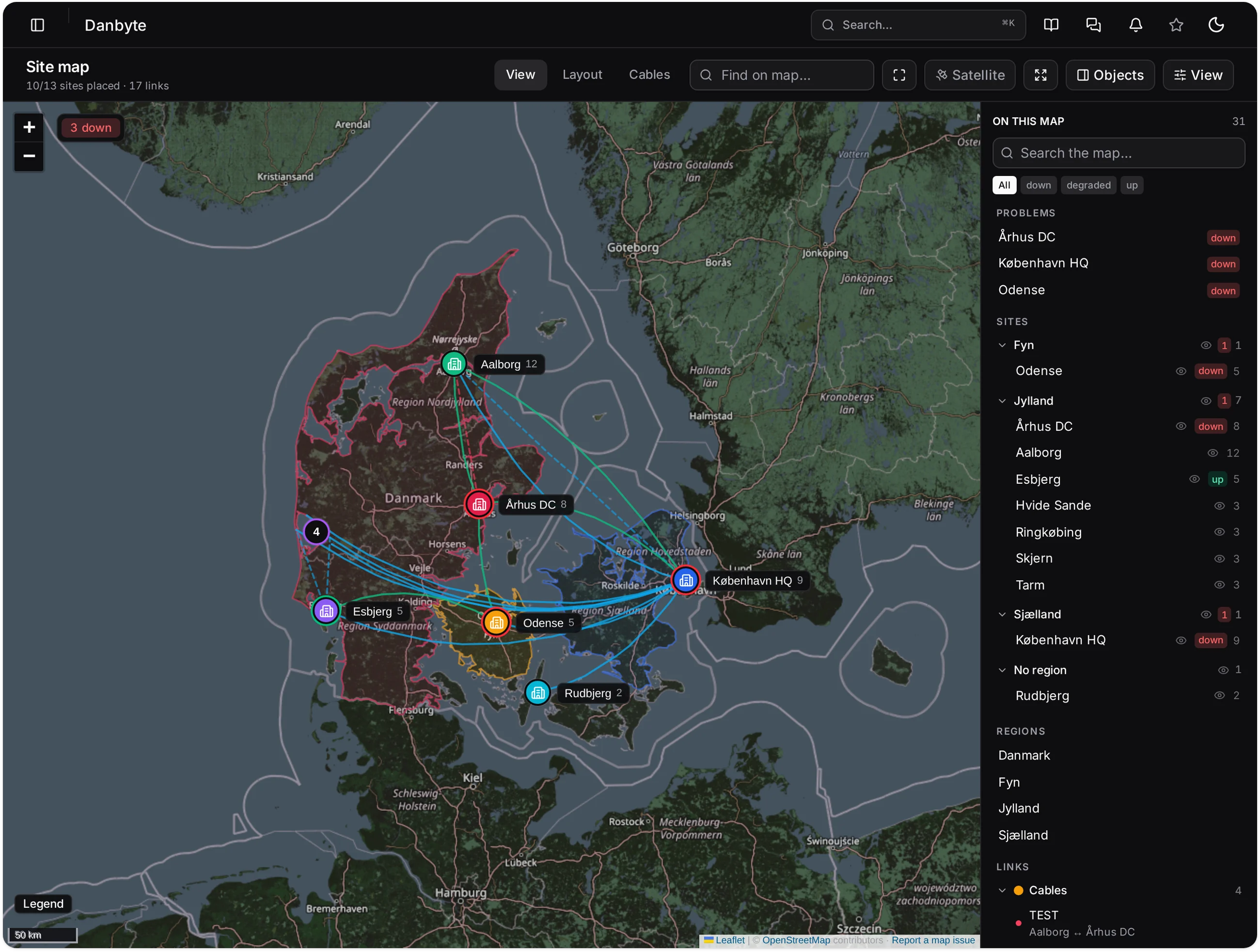
Reach every site, even NAT'd or air-gapped.
Drop a lightweight Danbyte Outpost at each site. It probes local devices with ping, SNMP and nmap and only ever dials out to the core over 443. The core never reaches in. Ideal for NAT'd, isolated and air-gapped networks.
- Dial-out over 443
- Per-site Outposts
- Ping, SNMP and nmap
- NAT and air-gap friendly
- Central drift inbox
- No inbound access
Open source,
used in real racks
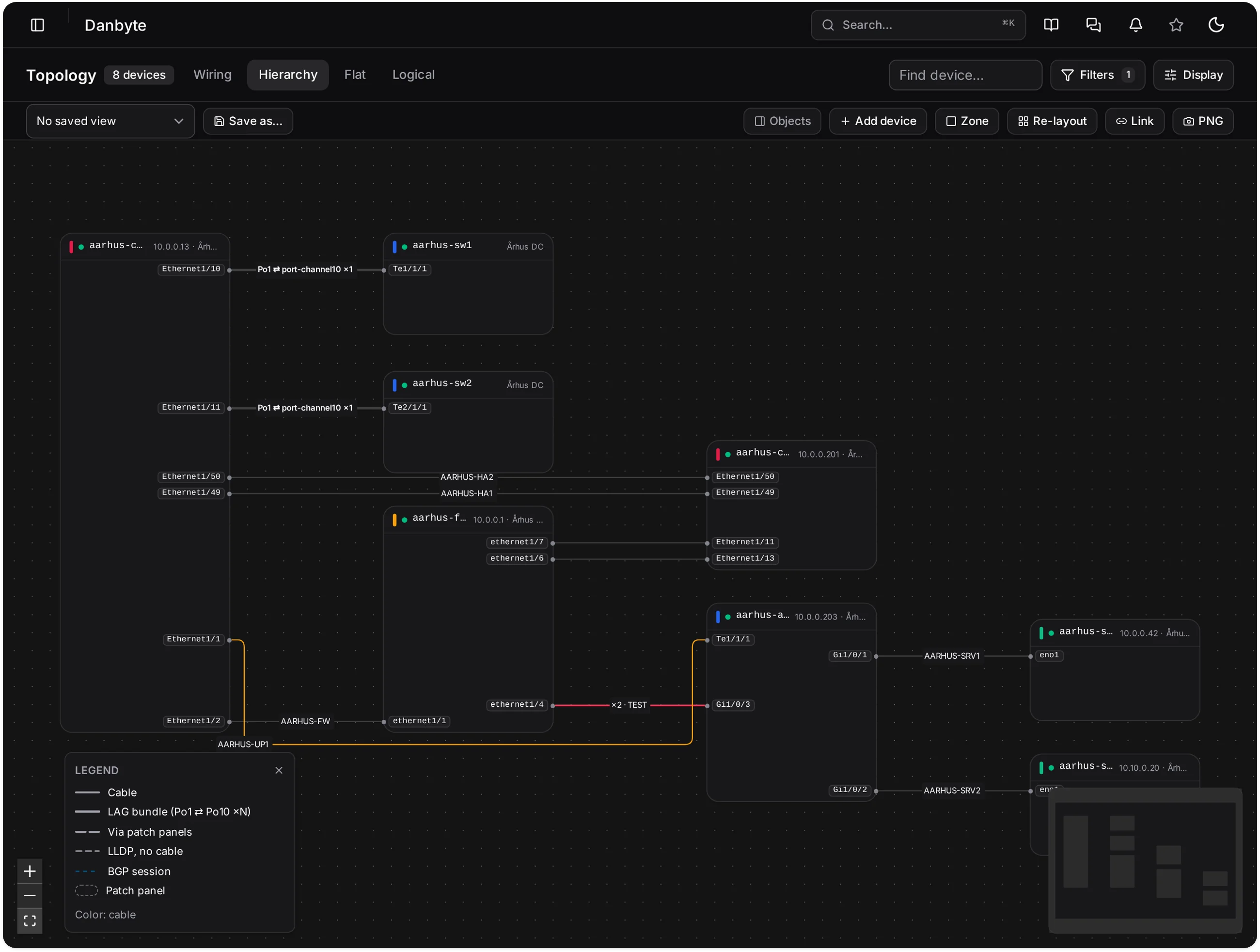
Everything your network is, in one place
Addresses, hardware, cabling, power, virtual machines and the checks that watch them. One model, one login, one API. From a single rack to an air-gapped fleet.
The gear you already run.
Modelled, polled over SNMP, pushed to your tools.


Product names are trademarks of their respective owners and are used only to identify the equipment and tools Danbyte works with. Python and the Python logo are trademarks of the Python Software Foundation. Proxmox® is a registered trademark of Proxmox Server Solutions GmbH, used with permission. No affiliation or endorsement is implied.